
10. Rendering And UI
Rendering is the clearest place where EchoWarrior must keep boundaries tidy: world simulation, world rendering, post-processing, and screen-space UI all happen in one frame, but they do different jobs.
Layer Stack
Section titled “Layer Stack”flowchart TB sim[Runtime simulation state] camera[World camera] terrain[Terrain and props] actors[Player, enemies, NPCs] worldfx[World VFX and particles] emissive[Emissive / bloom buffers] post[Ambient tint / post-process] overlays[Modal overlays] hud[HUD and UI]
sim --> camera camera --> terrain --> actors --> worldfx worldfx --> emissive terrain --> post actors --> post emissive --> post post --> overlays --> hudExact implementation details change, but the conceptual stack stays useful for contributors.
World Space vs Screen Space
Section titled “World Space vs Screen Space”flowchart LR world[World-space positions<br/>Y-up arena] helper[world_to_screen / camera helpers] screen[Screen-space UI<br/>Y-down pixels]
world --> helper --> screenDo not duplicate projection math for labels, hit tests, or overlays. Use existing runtime helpers.
UI Ownership
Section titled “UI Ownership”flowchart TB data[Assets/Data/ui.toml and theme.toml] theme[src/ui/theme.rs] layout[src/ui/layout.rs] models[src/ui models] draw[src/ui/draw.rs, hud.rs, dialogue.rs] runtime[src/runtime calls draw paths]
data --> theme data --> layout theme --> draw layout --> draw models --> draw runtime --> drawUI should be data-driven where practical. Text, colors, budgets, and common layout values should not drift into random runtime constants.
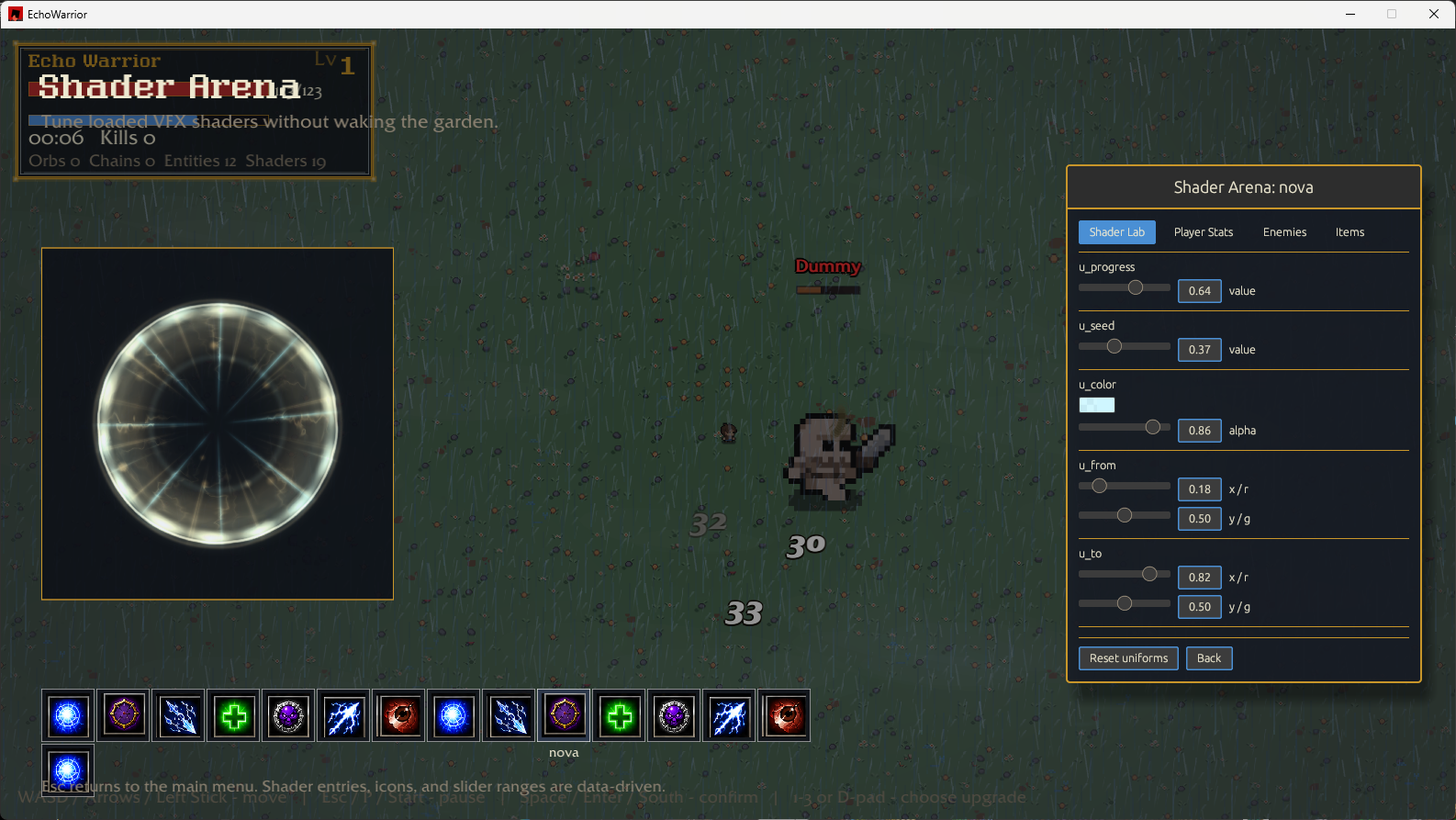
Shader And VFX Flow
Section titled “Shader And VFX Flow”flowchart TD manifest[Assets/Data/shaders.toml] sources[shader source files] loader[runtime/assets shader loader] material[Macroquad Material] effect[Runtime effect owner] fallback[Fallback shape if missing]
manifest --> loader sources --> loader loader --> material material --> effect fallback --> effectMissing shader materials should degrade gracefully. A visible fallback is better than a crash or invisible gameplay signal.
Modal Modes
Section titled “Modal Modes”Some runtime modes pause or suppress world labels/effects to keep UI readable.
stateDiagram-v2    Playing --> LevelUp    Playing --> Paused    Playing --> Inventory    Playing --> DeathTransition    Playing --> GameOver    Playing --> Victory
    note right of LevelUp      simulation paused      modal panel owns focus    end note
When adding world-space labels, damage numbers, or banter, check how they behave under modal overlays.
Rendering Change Checklist
Section titled “Rendering Change Checklist”- Is the draw call world-space or screen-space?
- Does it need pixel snapping?
- Does it respect current runtime mode?
- Does it have data-driven colors/tuning where practical?
- Does a missing asset/shader have a fallback?
- Does any new runtime asset ship in
data.pak? - Did you smoke-test with
cargo runif behavior changed?